LLM Observability: How to Trace, Debug and Monitor AI Agents in Production
Logs tell you an agent failed. Traces tell you why. What to capture for every model and tool call, the OpenTelemetry GenAI conventions, the metrics that matter, and the open-source tools that help.
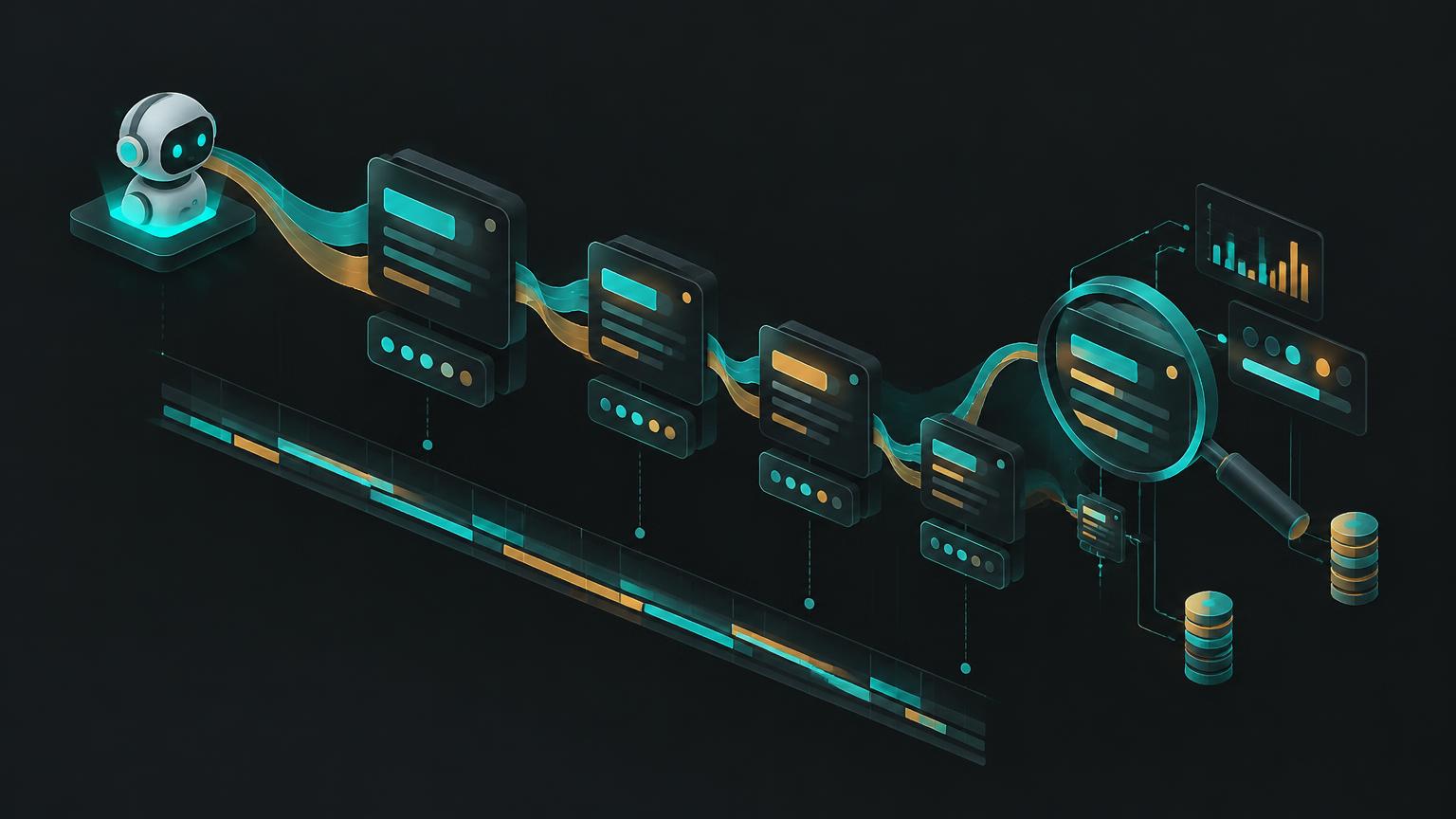
A user says the agent gave a strange answer yesterday afternoon. With traditional logs you'll find a 200 OK and a timestamp. With proper LLM observability you can open the exact run and see the retrieved documents, the prompt the model actually received, the tool it chose, the arguments it passed, the tokens it used, and the step where things went sideways.
Why agents need more than logs and metrics
Classic monitoring assumes the same input produces the same output. LLM systems are non-deterministic, multi-step and fail silently: a wrong answer is still a successful HTTP response. That's why the core unit of LLM observability is the trace, a tree of spans covering every model call, retrieval, tool call and sub-agent in a run.
What to capture on every span
- Identity: trace ID, parent span, user (or pseudonymous ID), agent and version, deployed git SHA.
- Model call: provider, model ID, parameters, input and output tokens, latency, finish reason.
- Content: prompt and completion, subject to your privacy policy (see below).
- Tools: tool name, arguments, result size, errors, duration.
- Retrieval: query, document IDs and scores returned.
- Cost: computed from tokens and the model's price at the time of the call.
- Outcome signals: user feedback, eval scores, whether a human approval was needed.
Use the OpenTelemetry GenAI conventions
OpenTelemetry (OTel) is the vendor-neutral standard for traces, metrics and logs. Its GenAI semantic conventions define common attribute names for model calls, such as gen_ai.request.model, gen_ai.usage.input_tokens and gen_ai.usage.output_tokens, plus conventions for agent and tool spans. They are still marked as in development, so names can change, but adopting them now keeps you portable between backends.
import { trace } from "@opentelemetry/api";
const tracer = trace.getTracer("support-agent");

await tracer.startActiveSpan("chat gpt-5-mini", async (span) => {
  span.setAttributes({
    "gen_ai.operation.name": "chat",
    "gen_ai.request.model": "gpt-5-mini",
    "app.agent.id": agentId,
    "app.deploy.sha": process.env.GIT_SHA ?? "dev",
  });
  const res = await callModel(messages);
  span.setAttributes({
    "gen_ai.usage.input_tokens": res.usage.input,
    "gen_ai.usage.output_tokens": res.usage.output,
  });
  span.end();
});
The metrics that actually matter
- Latency: time to first token and total run time, at p50 and p95. Users feel the tail.
- Cost: per run, per user and per agent. Watch for runs that cost 10 times the median, which usually means a loop.
- Steps per run: a sudden rise often signals a prompt or tool regression.
- Tool error rate: by tool. Broken tools are the most common cause of agent failures.
- Quality: sampled LLM-as-a-judge scores and user feedback. See our evaluation guide.
- Guardrail triggers: blocked prompts, refused tools, approvals requested.
When quality drops, the first question is always "what changed?". If every span carries the git SHA and prompt version, you can compare before and after in one filter.
Privacy: don't build a second data leak
Traces contain prompts, and prompts contain customer data. Decide deliberately: redact known sensitive fields before export, keep full content only for a short retention window, restrict who can view raw traces, and store traces in the same region as the source data. Self-hosting the observability backend is often the simplest way to meet these requirements.
Open-source tooling
- Langfuse: tracing, prompt management and evals, with a self-hostable open-source core.
- Arize Phoenix: open-source tracing and evaluation built on OpenTelemetry.
- OpenLLMetry (Traceloop): OpenTelemetry instrumentation for popular LLM SDKs and frameworks.
- Any OTel backend: Jaeger, Grafana Tempo and others can store GenAI spans alongside the rest of your system.
Pick one tracing backend and instrument consistently before adding more. Two half-instrumented tools are worse than one complete one.
A debugging workflow that works
- 1Find the run from the user's report (time, user, agent).
- 2Walk the span tree top-down and find the first step where output diverged from expectation.
- 3Classify the cause: retrieval, prompt, tool, model or data.
- 4Reproduce by replaying the same inputs against the same version.
- 5Fix, then add the case to your eval set so it never regresses silently.
See traces in AgentSwarms
Every agent and swarm run on agentswarms.fyi records a step-by-step trace you can inspect, which makes it a safe place to learn to read them. Try a multi-step swarm in the playground, then open its trace. The self-hosted platform keeps traces, spend and audit records inside your own infrastructure next to your data pipelines and dashboards.
Further reading & references
Was this useful?
Comments
Loading comments…